When Small Imbalances Disrupt Your Workday Flow
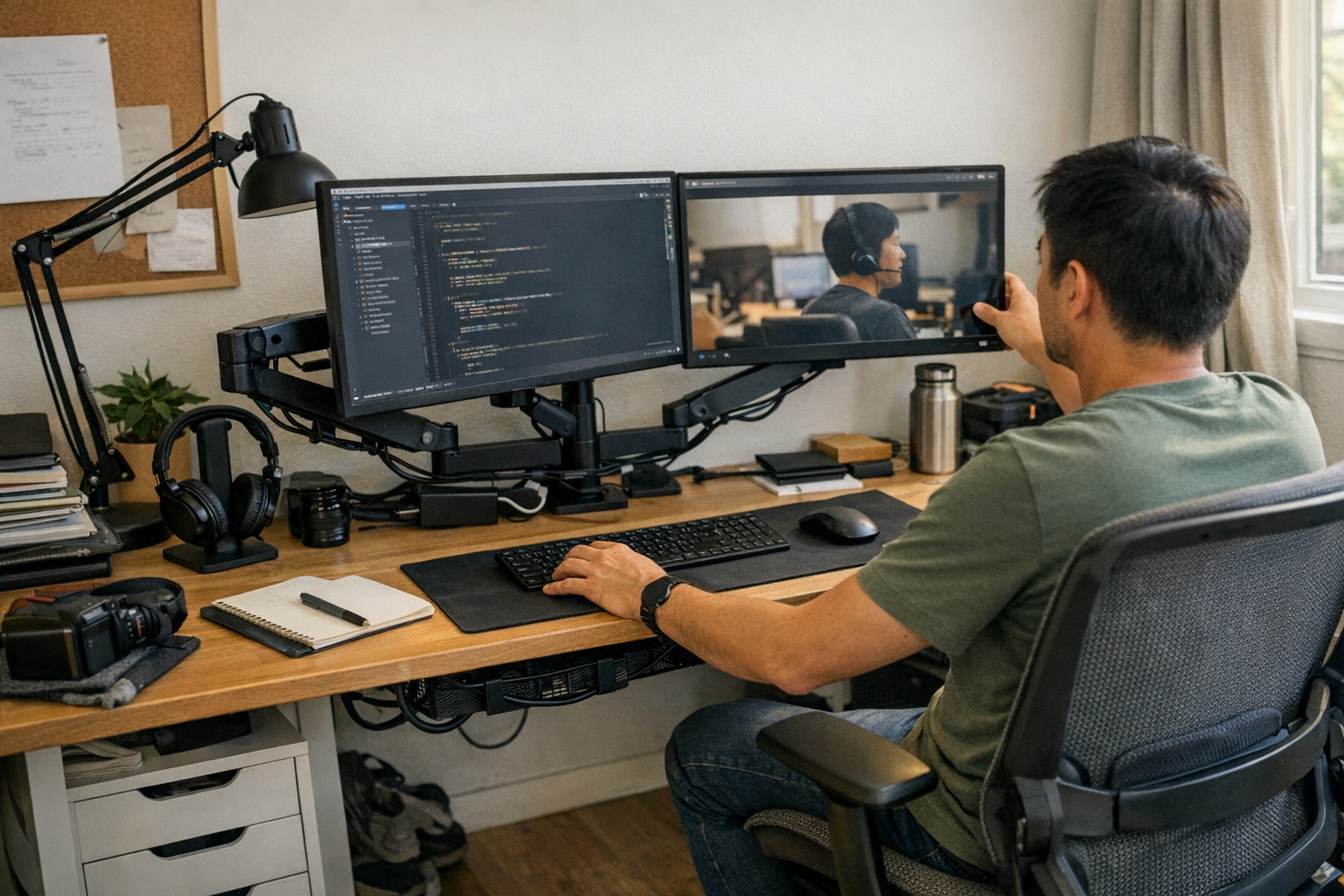
Dual monitor arms drift and expose cables if unbalanced; centering weight and cable slack keeps screens stable and reduces constant adjustments.
The Quiet Hinge: How Monitor Arms Reveal Themselves Over Time
After a few weeks of regular use, I began to notice something subtle but persistent at my workstation. Most days, the desk looked orderly—the monitors lined up, cables tucked away, everything arranged as intended. Yet each time I sat down, adjusted a screen, or shifted between windows, small signs appeared showing the setup wasn’t holding steady. My dual monitor arm, which felt stable at first, developed a gradual drift that didn’t show within the first hour but emerged over long sessions. It’s the kind of issue that quietly reveals itself through the friction of daily tasks.
The Drift that Doesn’t Announce Itself
Working day after day at the desk, small details move from invisible to persistent distractions. My monitors started to misalign—not all at once but in tiny steps: a tilt on the left, a cable slipping free, a familiar slight sag that returned every afternoon. You don’t notice it right away, but after several days it becomes clear.
What seemed like a minor factor—the weight difference between my monitors—turned into a recurring problem. The arm that should have held firm sagged under the heavier screen, and a cable routed too tightly tugged every time I adjusted the monitors. This wasn’t the type of clutter visible in photos; it was the kind you feel as repeated interruptions and subtle frustration.
Where Form Meets Function in Practice
At first glance, everything appeared fine. Both monitors were centered neatly, with cords tucked behind the clamp. But the imbalance kept showing up during use. Each adjustment—from blocking glare to pulling one screen closer for detailed work—accentuated the issue. A dip on one side. A cable loop working itself loose over time. That gradual shift lingered as a source of irritation.
On a desk with limited depth, these small nudges become more noticeable, especially with large screens. The surface order was superficial. There’s some relief when everything lines up, but it fades quickly if the monitor arms don’t support an equal load or if cables create tension across pivots, restricting smooth movement.
Reset, and a Different Kind of Routine
After enough mini interruptions—checking alignment, managing cable tension—I decided to reset the arrangement. Not a complete overhaul, just carefully balancing the weight. Both monitors brought closer together, more evenly supported, with arms moving smoothly as if in agreement. Adding a few inches of cable slack made a noticeable difference, preventing tight pulls and allowing cleaner adjustments.
Now, sitting down feels different. The workspace opens up quietly. The screens hold their position. Returning to the desk no longer means constantly correcting little misalignments. There’s an ease that wasn’t there before—not just in appearance, but in reliable function through long work sessions.
There’s a quiet satisfaction when a workstation finally matches the flow of your day. If you’re curious about the parts that helped make this possible, you can find them here: http://www.workbasic.myshopify.com