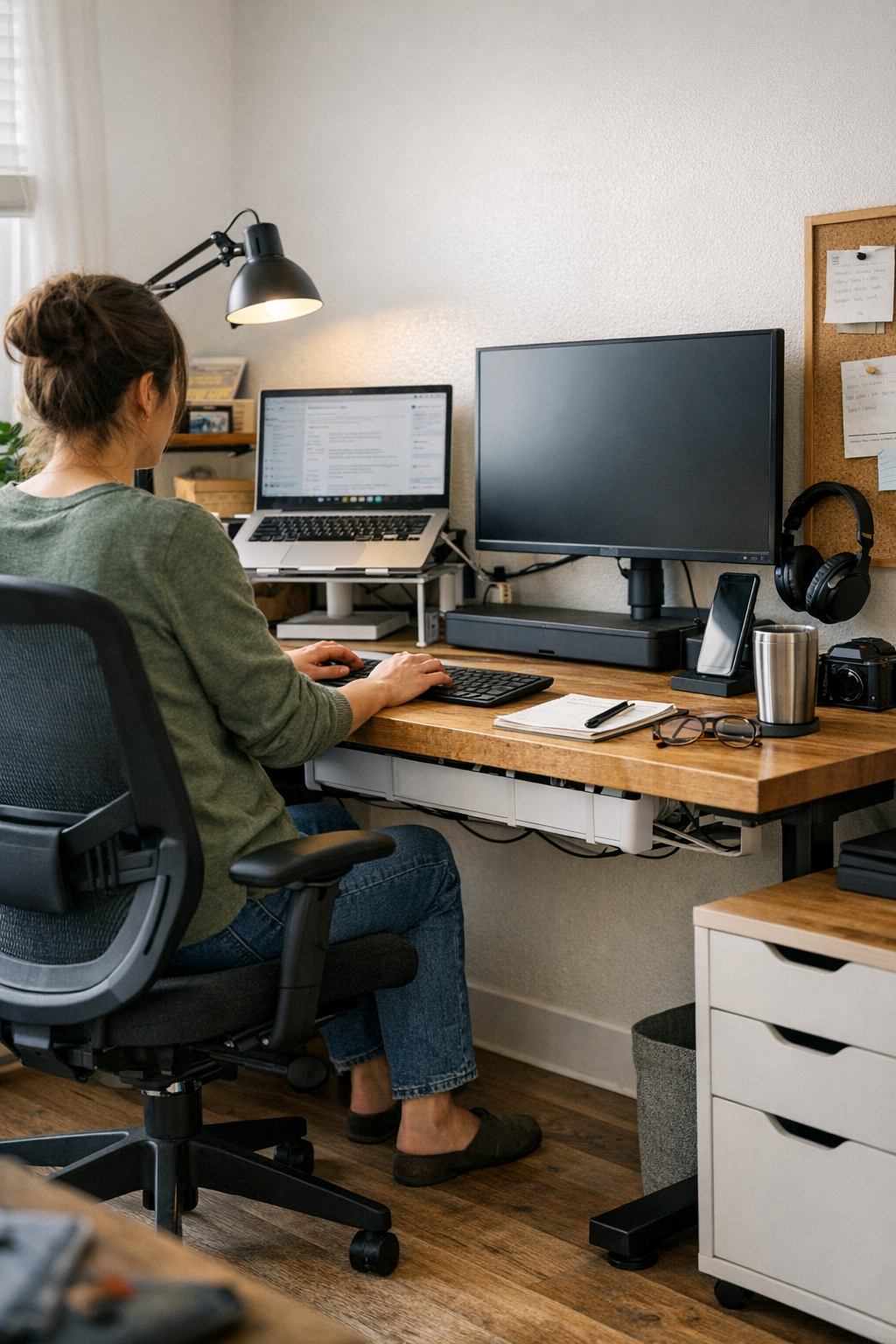
When Your Desk Finally Moves With You
A movable monitor arm enables late work and shifting postures without friction, reducing cable clutter and interruptions for smoother routines.
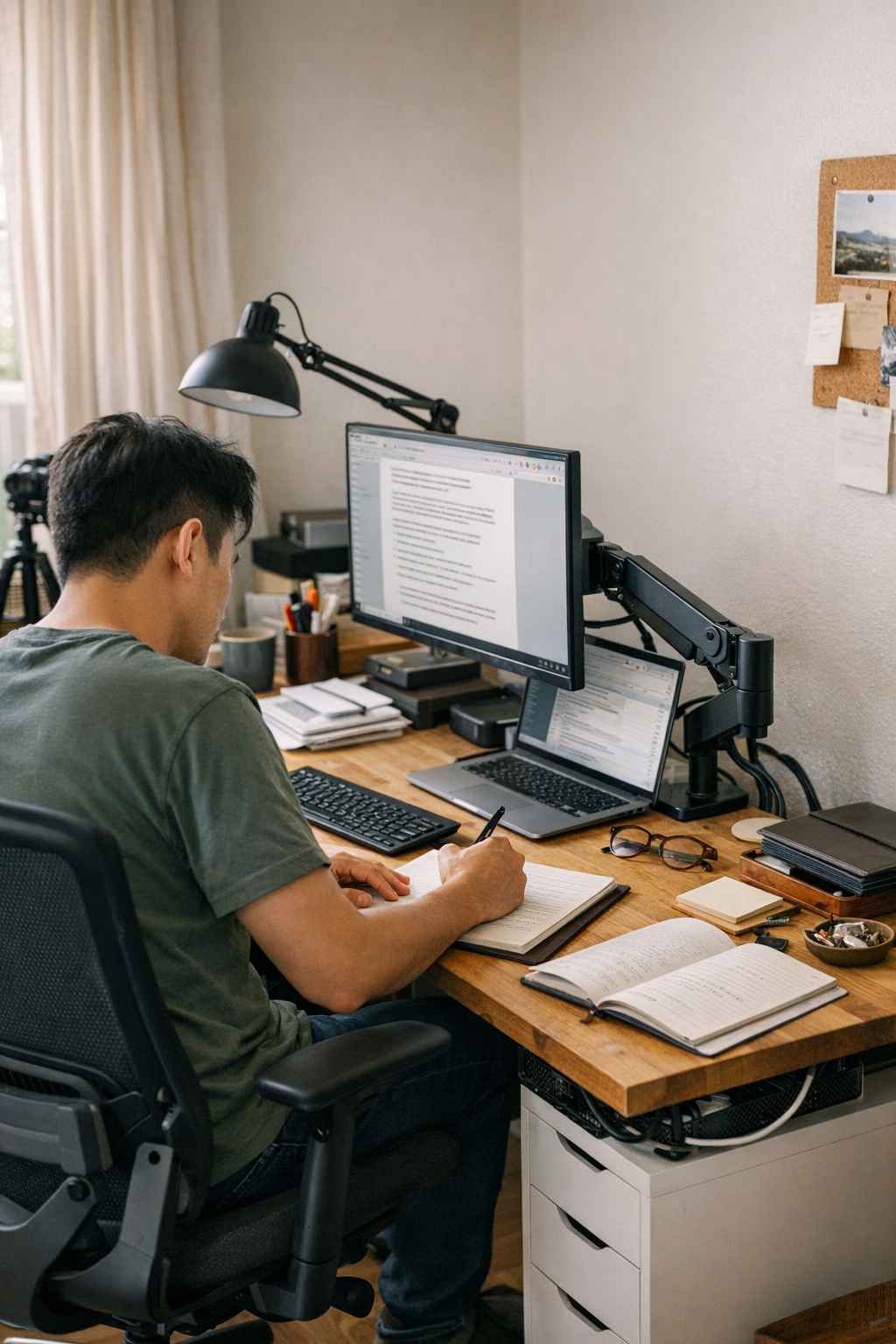
When the Way Your Monitor Moves Changes Everything About Your Desk
It’s easy to fall for the well-organized shape of a fixed desk setup—clean lines, everything squared, nothing dangling where it shouldn’t. That first impression feels orderly and reassuring, especially at the start of a long workweek. But over time, you start to notice something else just beneath the surface: how your desk either cooperates with your daily workflow or quietly resists it, reflecting the real rhythms and demands of your day.
I spent months using a stationary monitor riser: reliable, stable, and—at least visually—tidy. Every morning, the desk looked set. But by evening or during a quick switch between video calls, its immobility revealed subtle frustrations. Reaching for a notebook meant a small shuffle of my whole body. Adjusting to glare required shifting my chair instead of simply tilting the screen. The cables looked managed until unplugging one device sent them crawling back into view, tangled along the same familiar corner. These little interruptions kept appearing between tasks—seemingly minor, yet repeated enough to disrupt flow and add up over the day.
A movable monitor arm changes this quiet calculus at the desk. The first time I pulled the screen forward for close editing, or swung it aside to clear space for sketching, it barely registered. But the convenience quickly grew noticeable. No more stacking books to adjust screen height against afternoon light. No more brushing knuckles on the riser edge when reorganizing papers. After a few days, the relief became subtle but clear: less reaching, less strain. Cables stayed neatly tucked inside the arm’s built-in channel rather than coiling in the same exhausted corner. The surface cleared up more often, opening up actual workspace instead of repeatedly resetting piles just to find a better angle.
What stuck with me wasn’t just the convenience. The workday itself softened around the edges when the monitor could move with me. Switching between tasks didn’t require as much reset, and posture adjustments became less reactive and awkward. The arm’s cable routing managed most of the clutter, so the leftover messes—the ones I’d grown used to untangling—simply stopped building up. This may sound small, but it lingers: the workstation felt less like a constant battle and more like a place to quietly return to, session after session, without the friction of repeated annoyances quietly adding up.
For a look at tools and solutions that fit this kind of approach—desk organizers, cable trays, monitor arms, ergonomic chairs, and more—visit WorkBasic.