When Desk Corners Quietly Disrupt Our Flow
Clearing adapters and cables reduces interruptions and makes work easier by keeping adapters accessible without clutter returning.
When a Tidy Desk Corner Still Slows You Down
A desk always starts with the promise of order. For a while, cables stay straight, chargers remain stacked, and the adapter pile sits quietly in the corner—out of the way but within reach. It even looks organized. But there’s a difference between looking clear and actually working clear. I noticed this when my hand began catching on cables, or when plugging in a laptop meant nudging a brick, shifting paperwork, or moving aside another device. It wasn’t chaos, but a more subtle issue: small delays building up, one reset at a time.
You begin to realize it after a few days. The corner where you meant to keep things under control becomes a bottleneck, no matter how neat the cables appear. A cleaner surface helps, but when adapters stay lumped together—even off to the side—they still create drag. Drawer access gets blocked, a quick notebook grab turns into a careful maneuver, and cables hanging over edges start to pull or tangle. That lingering frustration wasn’t immediate, but these interruptions quietly threaded through my routines.
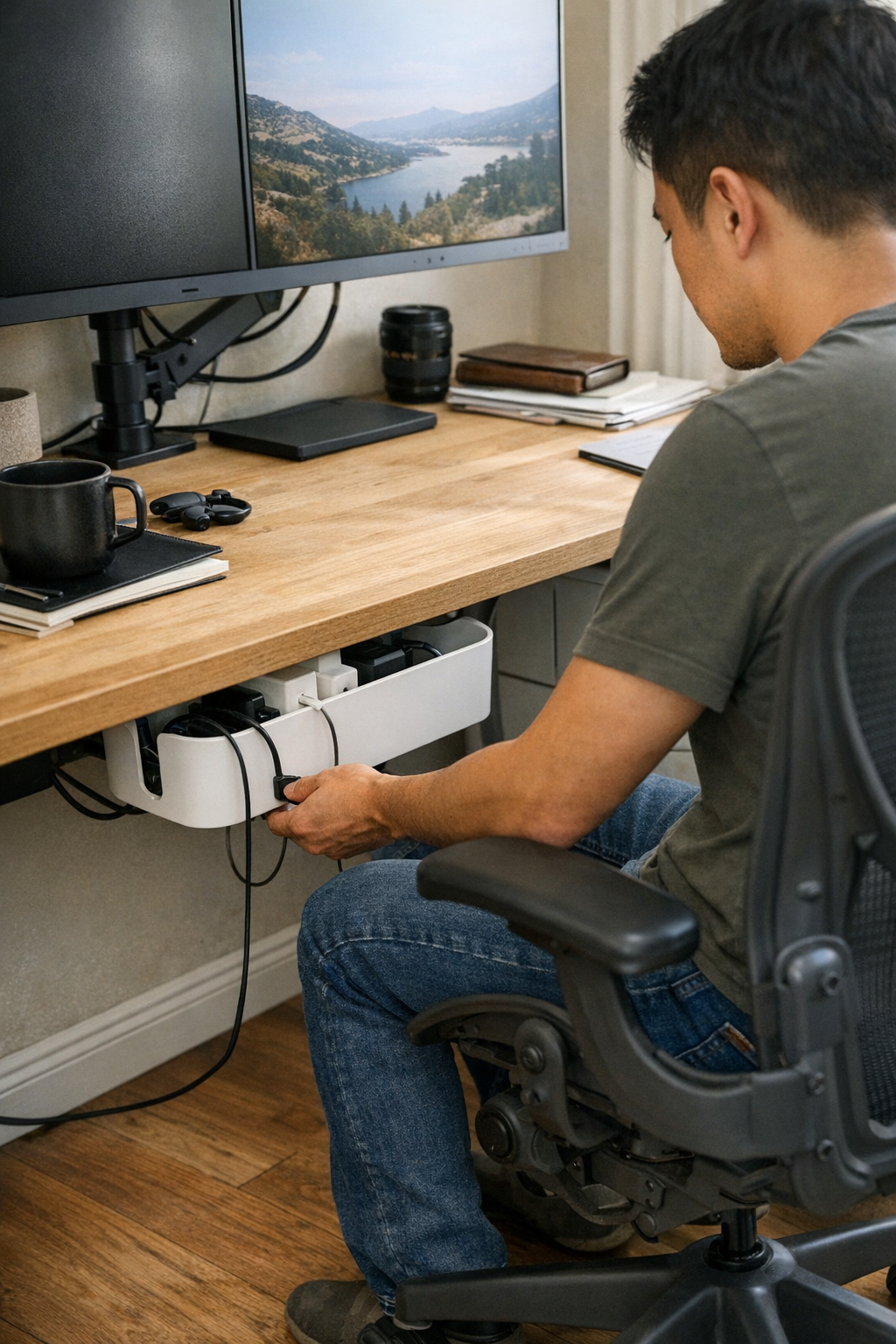
The change that finally worked was less about hiding things and more about where they’re stored. Moving adapters and cables under the desk wasn’t a magic trick—it just nudged the friction a little further away. A cable box placed just below the desktop edge made swaps easier. When switching devices in a rush, the box was there—accessible, but not in the line of constant reach. It looked fine at first, but the real difference appeared quietly, around the third busy afternoon. By spacing out the power bricks and routing cables with enough slack, device swaps stopped feeling like a chore. The six-inch stretch along the desk corner stayed usable, and resets became something I didn’t have to think through every time.
It’s a small relief—a kind you only recognize after living with the setup for a while. Surfaces stay lighter, drawers open without nudging a knot of adapters, and hands move freely from keyboard to notebook. Cable trays and clips make a difference mostly if they’re close enough to your working edge but not in the way. The improvement isn’t always obvious until you return to routine, but by then you feel it: a little less drag, a little more space for the next thing that work will bring.
If you want to see a few options for how this can look in daily use, there’s a quiet collection here: http://www.workbasic.myshopify.com